Setup
How to Choose an IPTV Player App for Your Device
What to look for in an IPTV player app (login types, TV guide support, remote-friendly design, cost and privacy) and how to match one to your device.
Read article
Stream smarter
Learn how IPTV works, which player apps fit your devices, and how to fix common problems, with simple guides and plain-English explanations in one place.
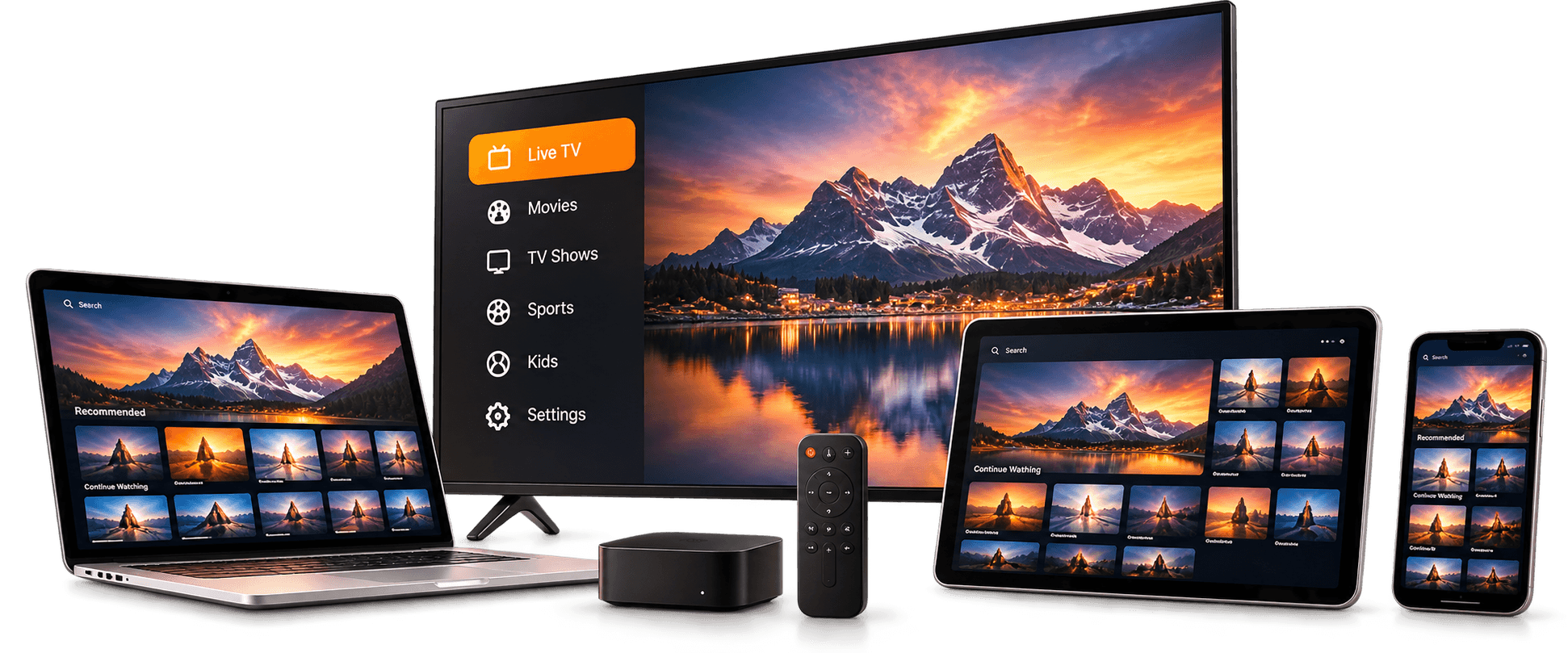
Easy instructions for popular player apps and devices.
Smart TVs, phones, tablets, computers and more.
Fixes for buffering, login errors and missing TV guides.
Clear explanations of formats, apps and what to check.
Devices
Most IPTV player apps run on screens you already have. Follow our guides to set one up.
How it works
No hardware to rent and no installer appointments. You choose a plan, we verify payment, and you add your access details to a player app.
Compare plan lengths and read the renewal and cancellation terms on each plan before you decide.
Pay through our payment partner. Your subscription is only activated after the payment has been verified.
Once activated, you'll receive your access details.
Follow the guide for your device and app. Most setups take a few minutes and only need to be done once.
Guides
Practical walkthroughs for the questions people ask most.
Setup
What to look for in an IPTV player app (login types, TV guide support, remote-friendly design, cost and privacy) and how to match one to your device.
Read article

Device setup
Whether a smart TV can run an IPTV player depends on its operating system. How to identify yours, what each allows, and when to add a streaming device.
Read article
Troubleshooting
A practical checklist for IPTV buffering, freezing, black screens and audio problems, from your Wi-Fi and router to player settings, in the order to try them.
Read article
Subscription plans
Every plan shows its price, connections, renewal terms and cancellation rules before you check out.
Order on WhatsApp
$20
for 1 month
Opens WhatsApp. No payment is taken on this site.
$30
for 3 months
Works out to $10.00/month
Opens WhatsApp. No payment is taken on this site.
Best value
$69
for 12 months
Works out to $5.75/month
Opens WhatsApp. No payment is taken on this site.
$49
for 6 months
Works out to about $8.17/month
Opens WhatsApp. No payment is taken on this site.
FAQ
The essentials about devices, apps and your connection.
IPTV is usually watched through a player app, and player apps exist for many smart TVs, streaming sticks, phones, tablets and computers. The devices IPTV Hive supports haven't been confirmed yet; the Devices page explains what to check on your own device.
IPTV is usually watched through a player app. Which apps work with IPTV Hive hasn't been confirmed yet. Our Player Apps page compares well-known options, and our guides show how to set each one up. Always install apps from your device's official app store.
Every plan card shows its renewal terms and a summary of the cancellation rules, and the Refund Policy page has the full details. You'll see all of this before you're asked to pay.
A stable broadband connection matters more than raw speed. A wired Ethernet connection or 5 GHz Wi-Fi is usually more reliable than 2.4 GHz Wi-Fi for streaming. Our troubleshooting guide covers how to reduce buffering.
Compare plan lengths, read the terms, and choose the one that fits how you watch.